htmx на практике
Алексей Золотых
инженер
тимлид
спикер

команда веб-редакторов

htmx на практике
htmx на практике
зачем мне еще одна библиотека?!
2 причины
Причины
- Перформанс
- Сложность
Проведем эксперимент
- Почтовые клиенты на веб
- Одинаковое кол-во писем
- Смартфон
- Cеть 3G
Почему так?


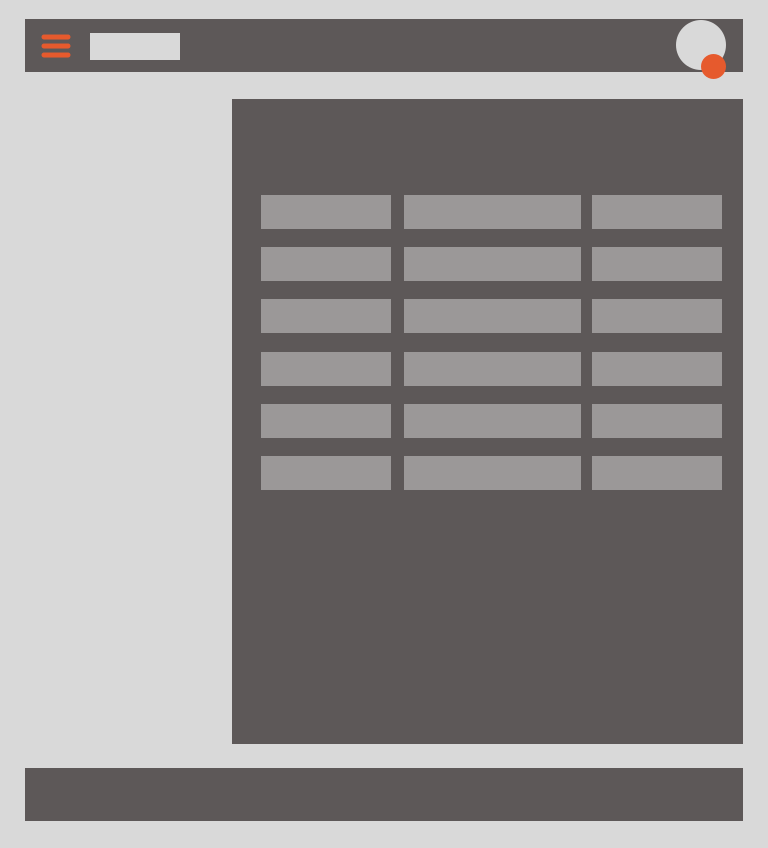
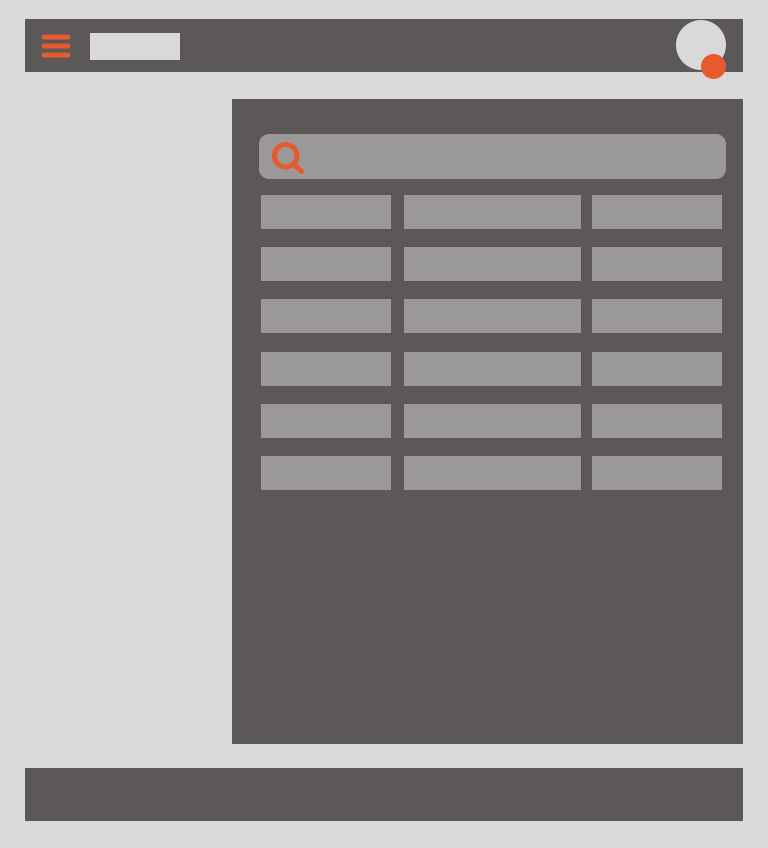
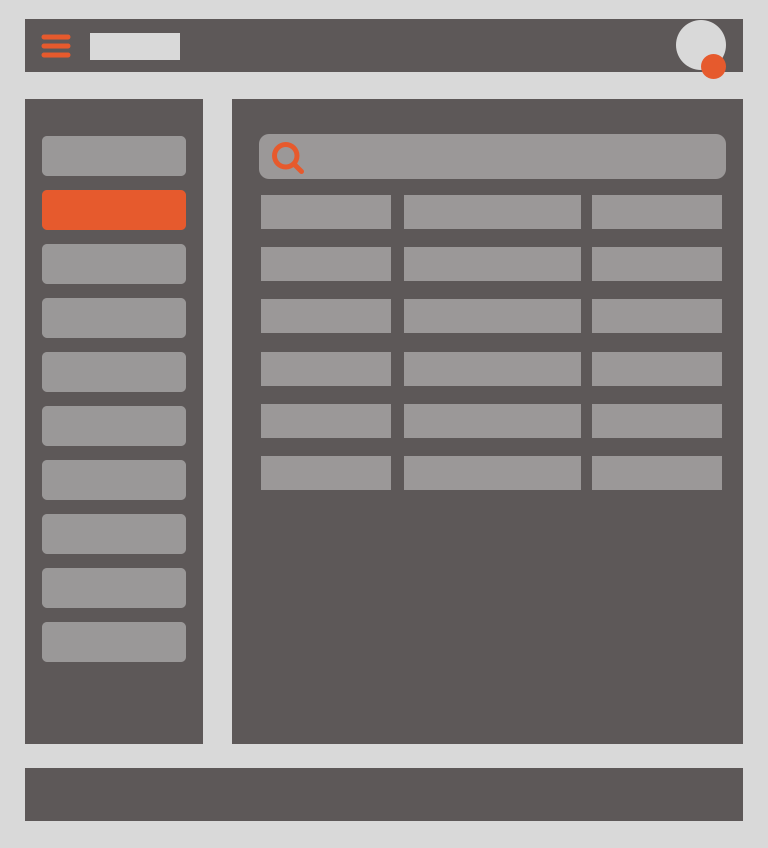
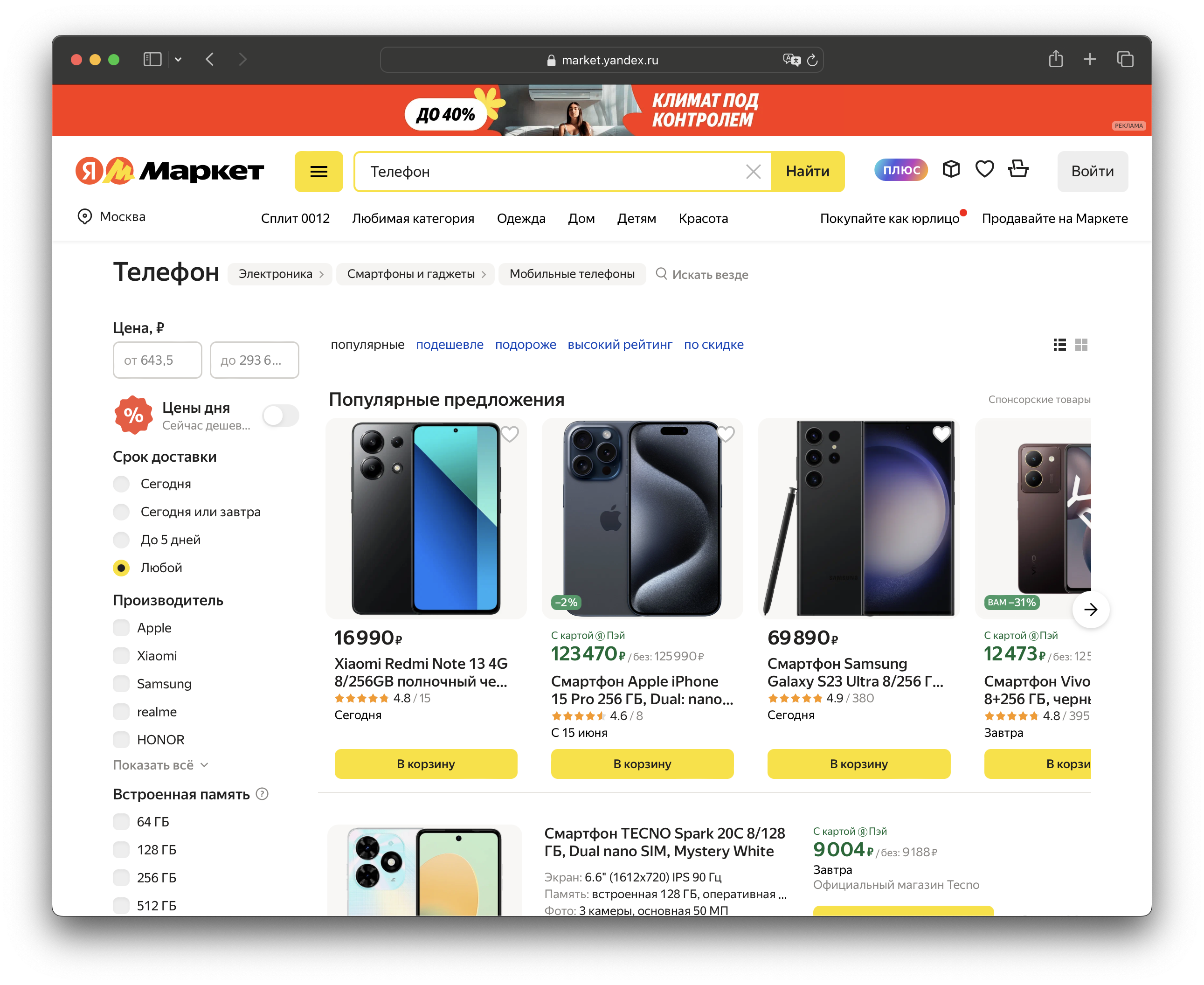
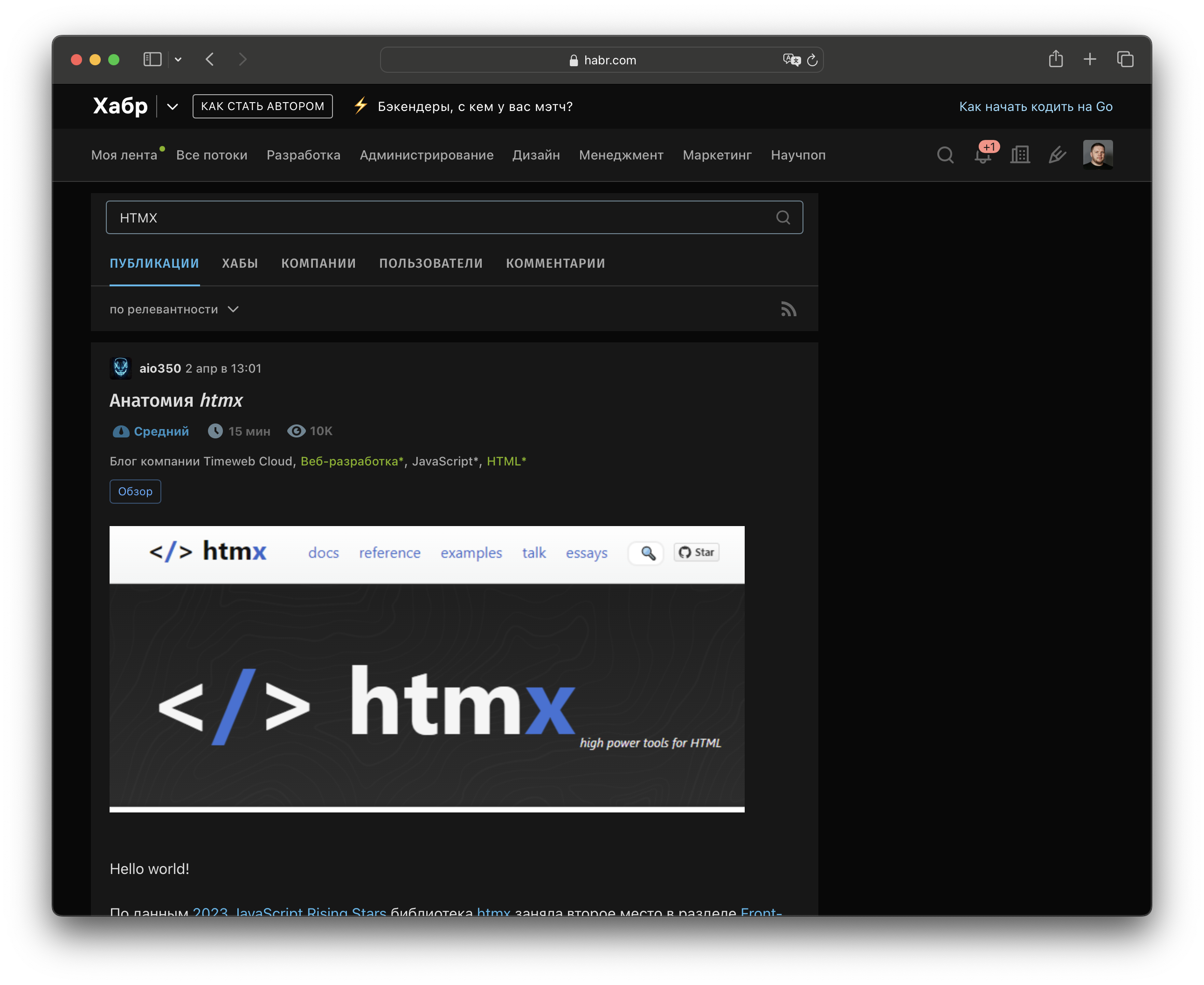
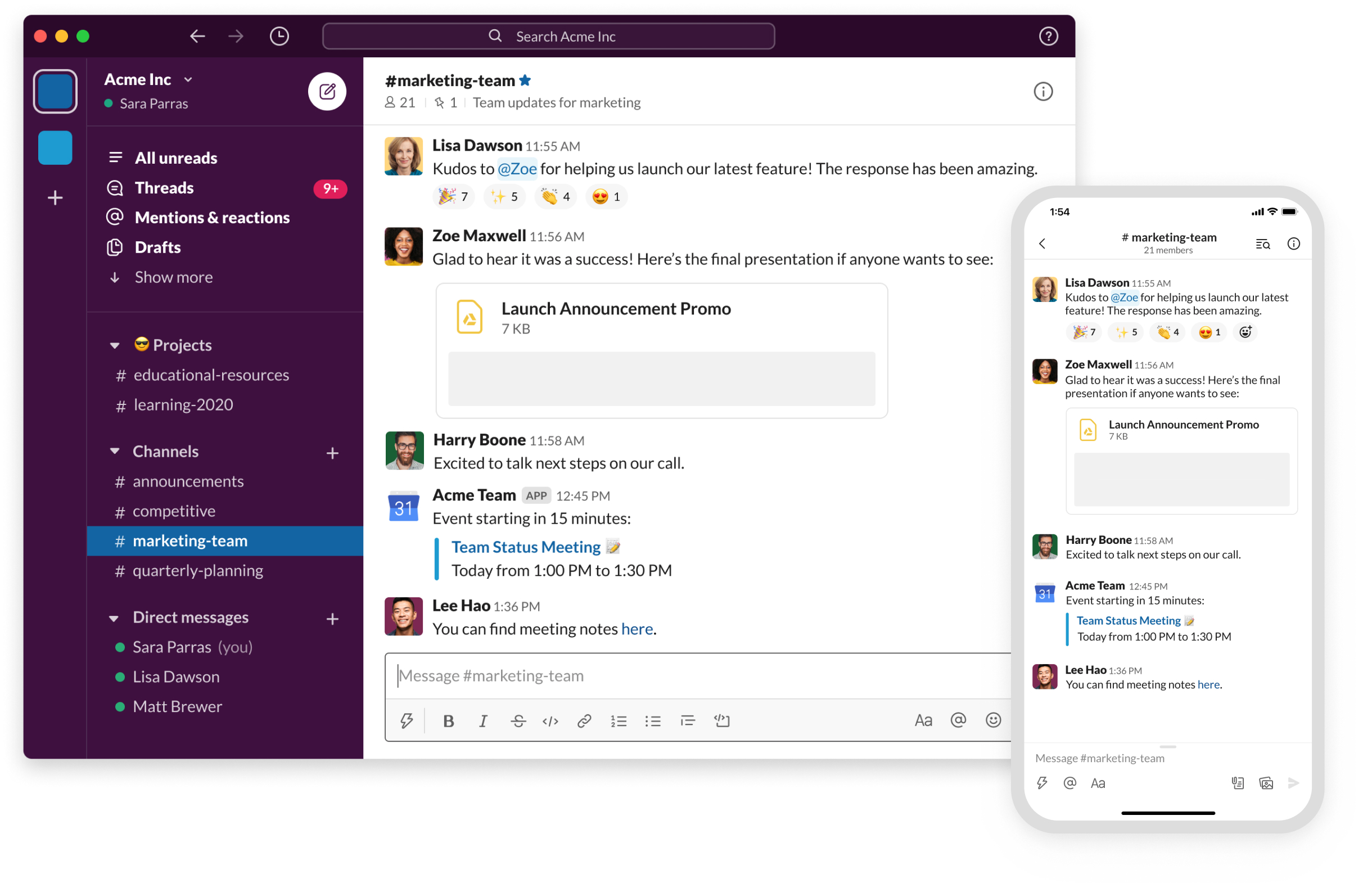
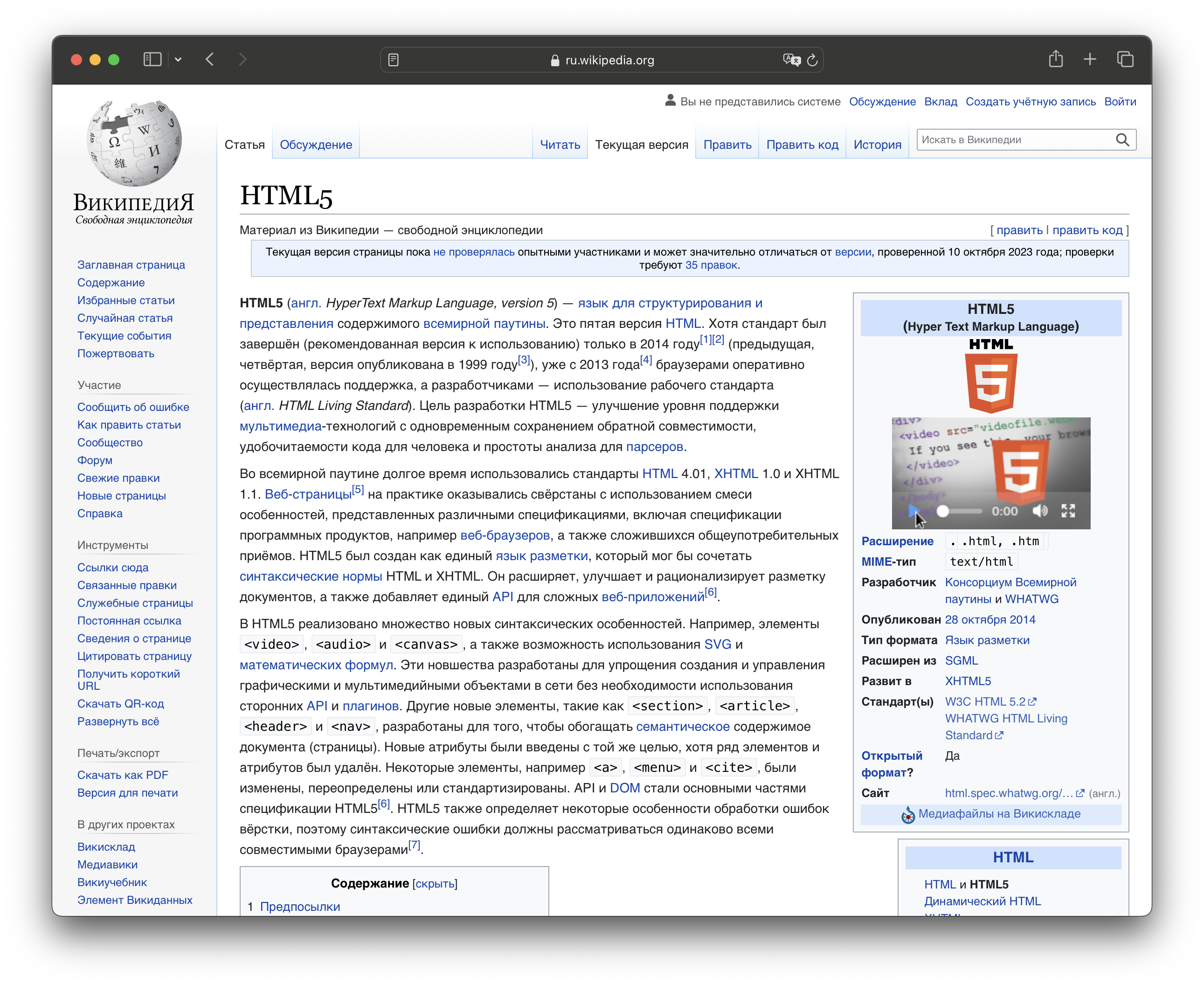
Как загружается SPA
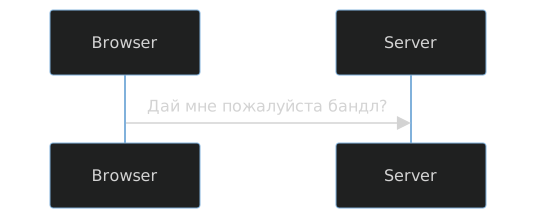
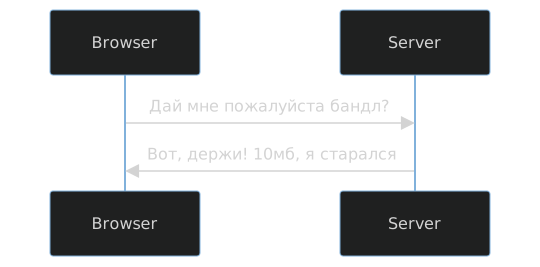
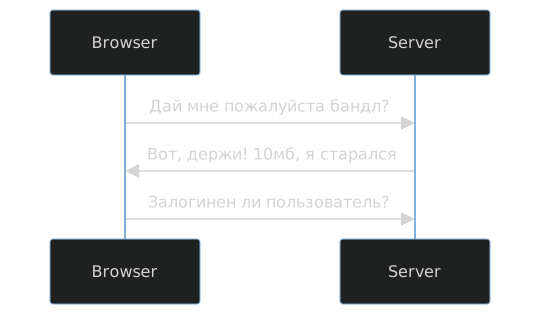
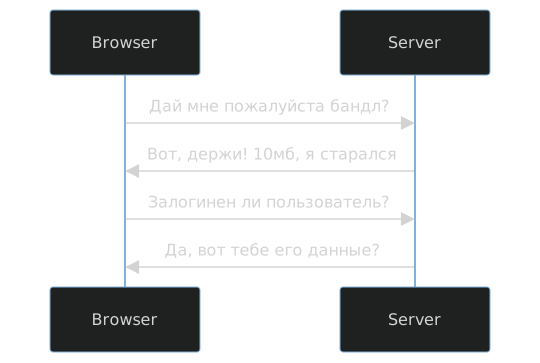
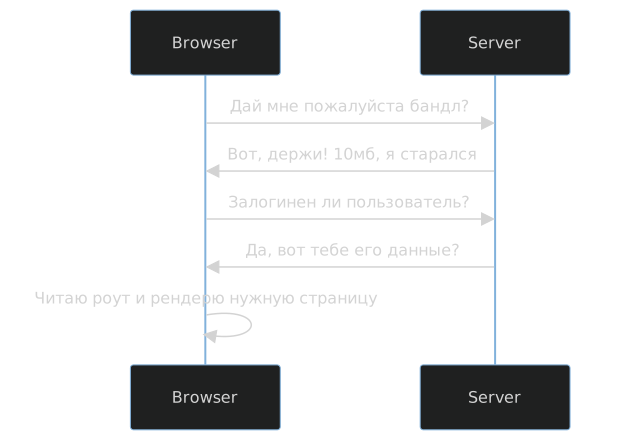
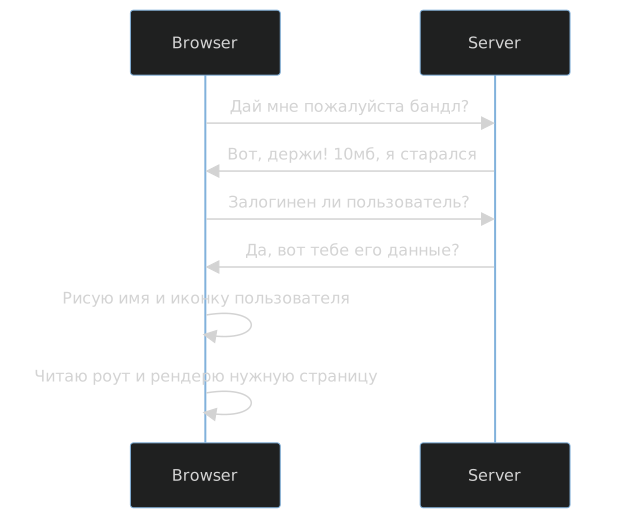
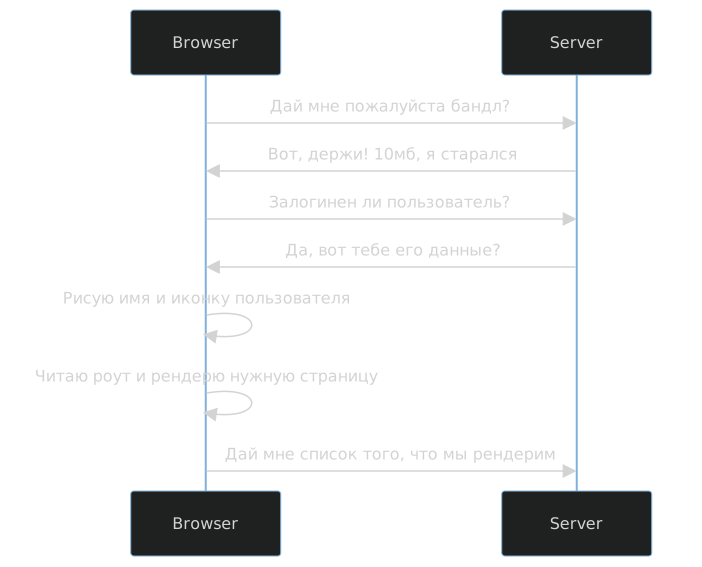
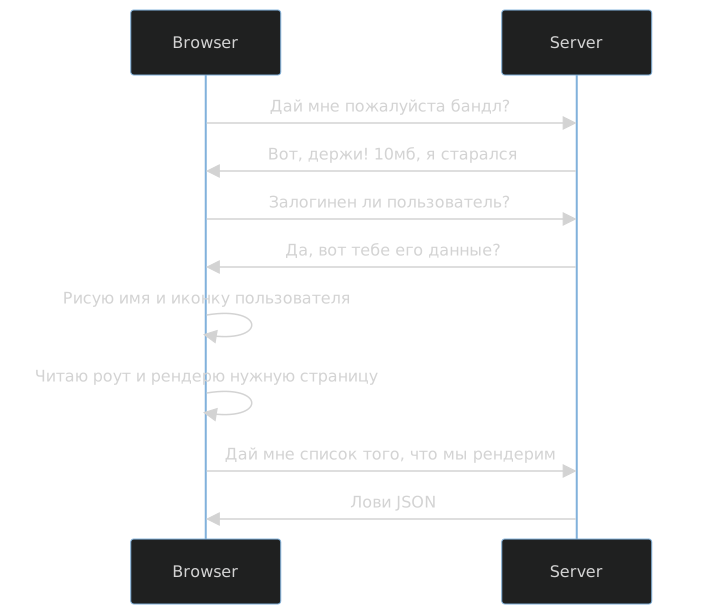
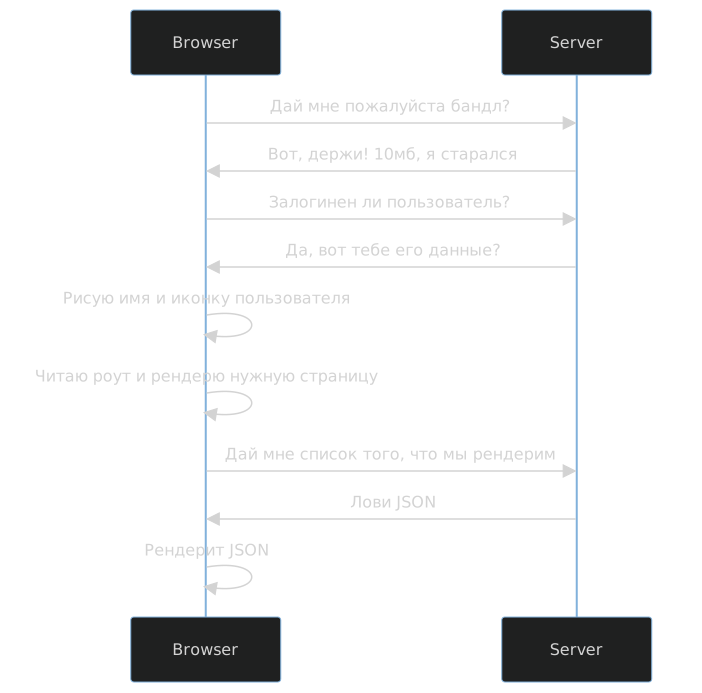
SPA — слишком долго

Все уже давно решенo
Есть же NextJS!
The Cost Of JavaScript
Addy Osmani
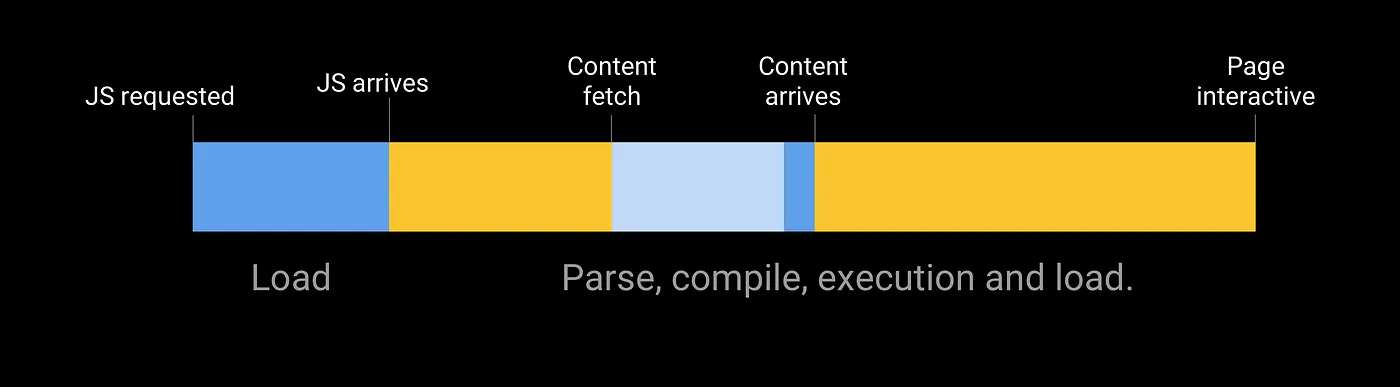
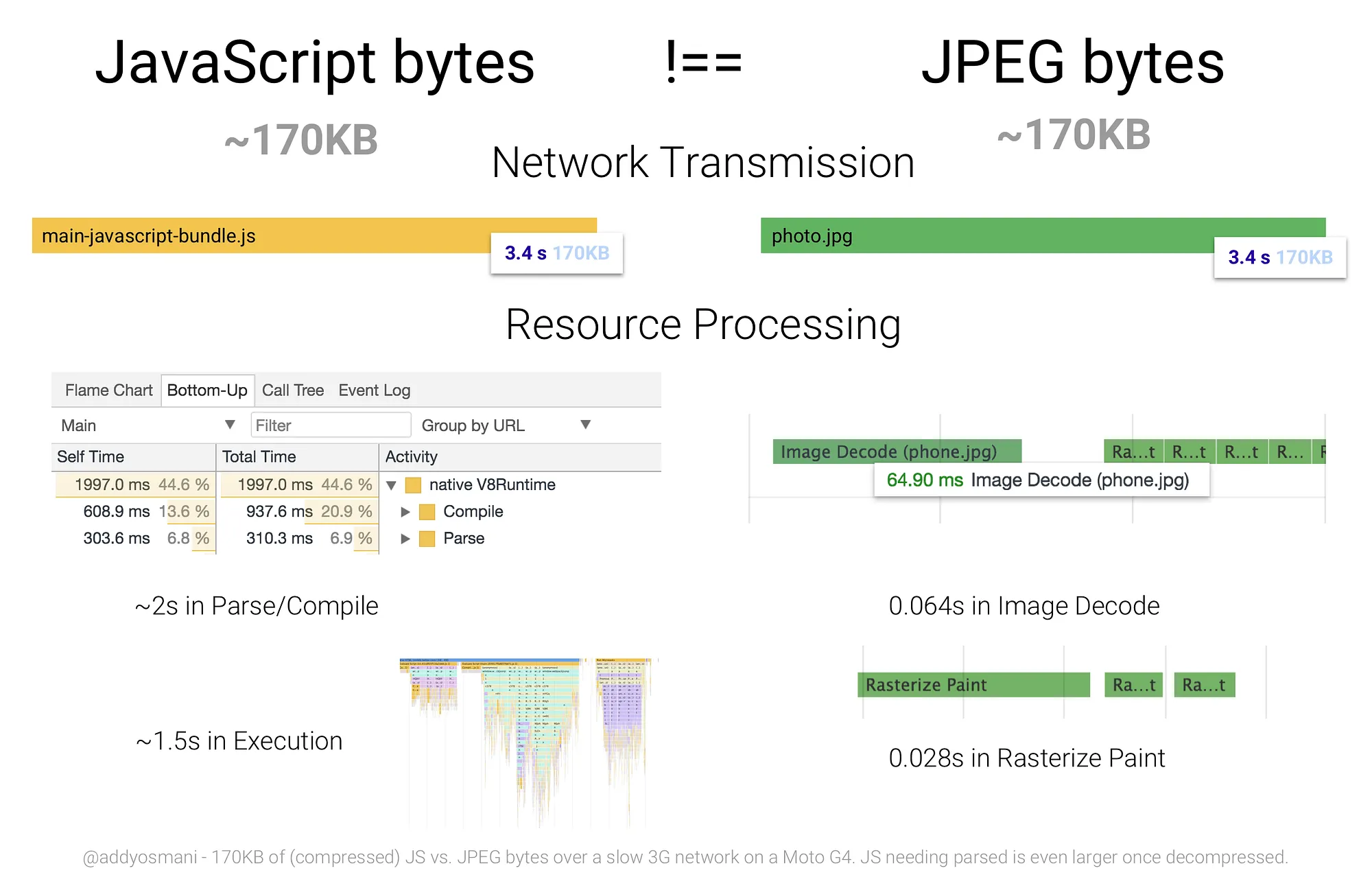
Treeshaking или загрузка по частям
Микрофронтенды наше все!Мы забыли про сложность!
Сложность все понимают по разному
Simple vs Easy
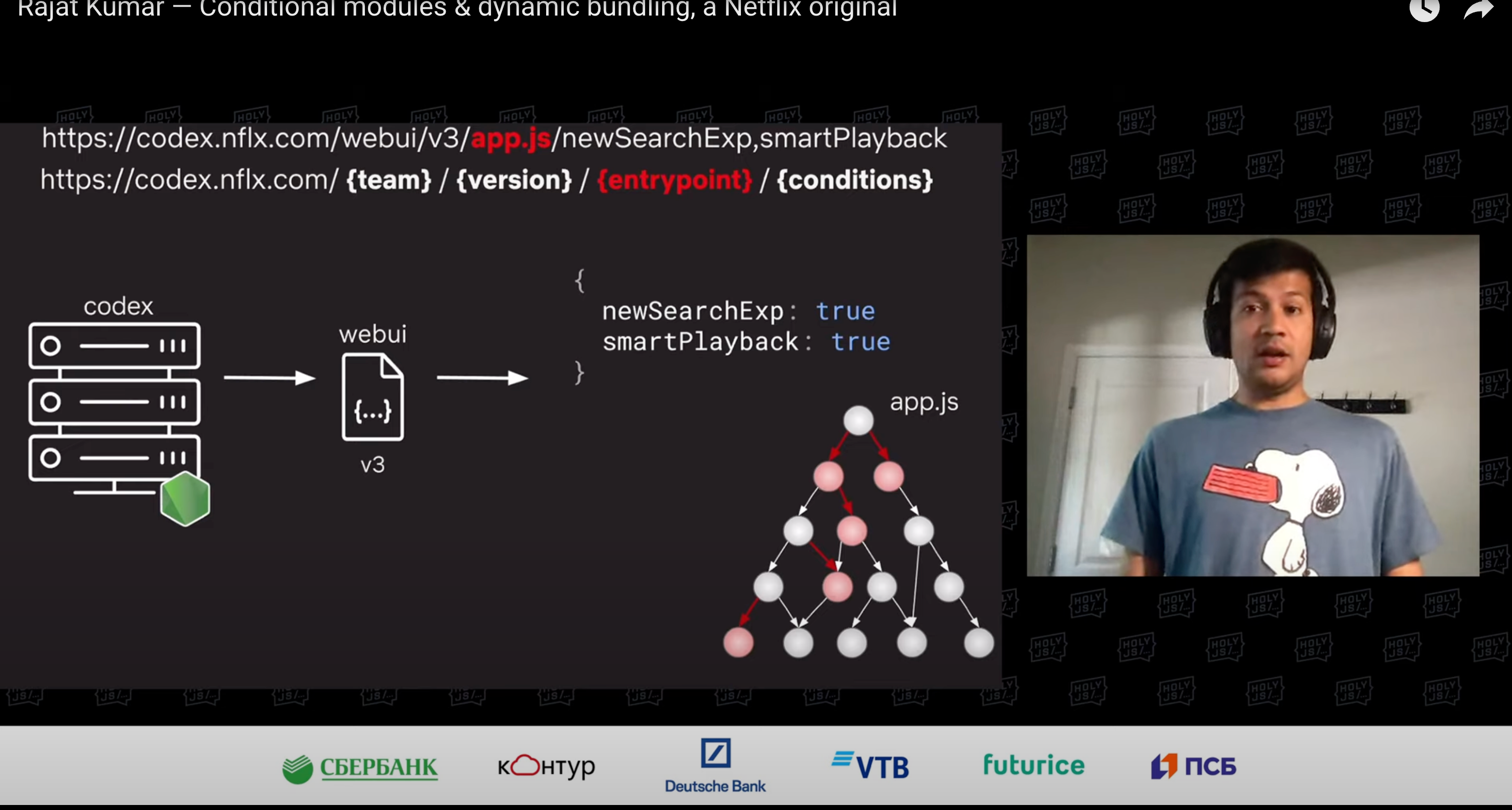
Доклад про микрофронтенды
Rajat Kumar — Conditional modules & dynamic bundling, a Netflix original
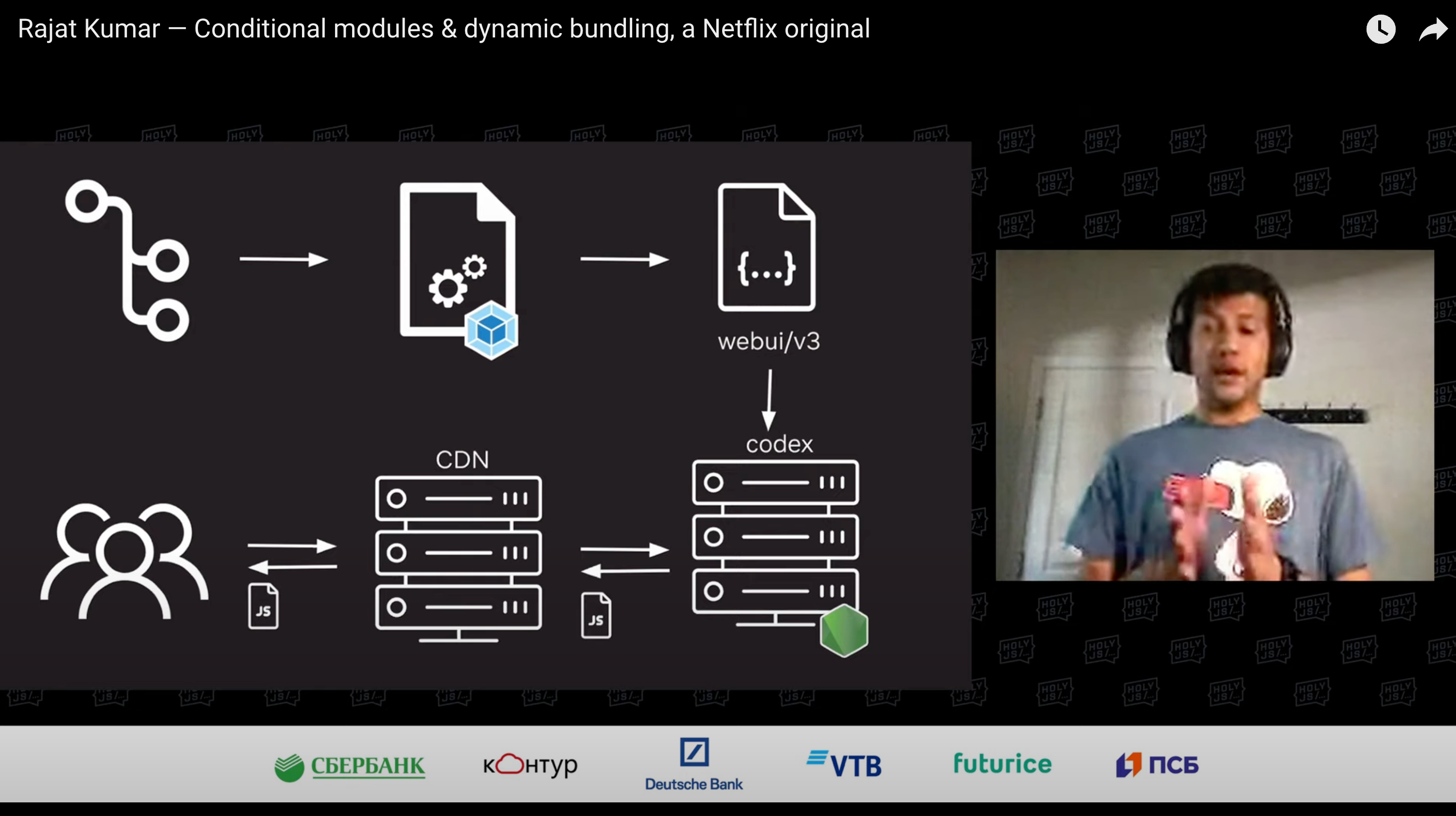
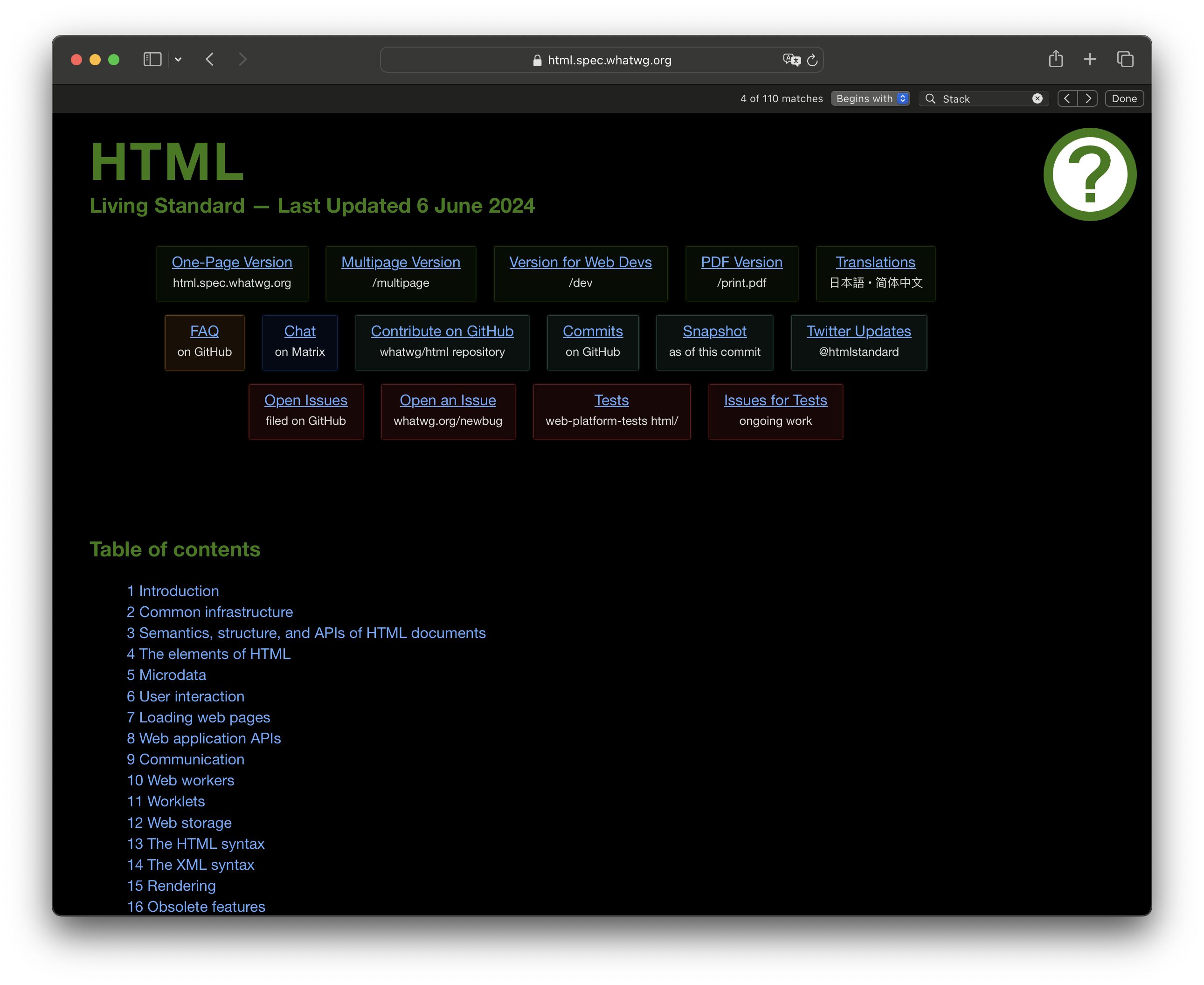
Навигация в HTML
...
<nav class="menu">
  <ul>
    <li><a href="#">Главная</a></li>
    <li><a href="#">О нас</a></li>
    <li><a href="#">Контакты</a></li>
  </ul>
</nav>
<main id="content"></main>
...
Ссылка
<a href="/">Главная</a>
Ссылка
<a
  href="/"
  navigation=true
  selector="#content">Главная</a>
document.addEventListener("click", async (event) => {
  const { selector, navigation } = event.target.dataset;
  const url = event.target.getAttribute("href");

  if (navigation) {
    event.preventDefault();
    event.stopPropagation();
  }

  // Распарсить ответ, получить по селектору
  const r = await getFromUrlBySelector(url, selector);
  target.innerHTML = r;
});
HTMX
htmx gives you access to AJAX, CSS Transitions, WebSockets and Server Sent Events directly in HTML, using attributes, so you can build modern user interfaces with the simplicity and power of hypertext
HTMX
htmx gives you access to AJAX, CSS Transitions, WebSockets and Server Sent Events directly in HTML, using attributes, so you can build modern user interfaces with the simplicity and power of hypertext
HTMX
htmx gives you access to AJAX, CSS Transitions, WebSockets and Server Sent Events directly in HTML, using attributes, so you can build modern user interfaces with the simplicity and power of hypertext
HTMX
htmx gives you access to AJAX, CSS Transitions, WebSockets and Server Sent Events directly in HTML, using attributes, so you can build modern user interfaces with the simplicity and power of hypertext
HTMX
<script src="https://unpkg.com/htmx.org@1.9.12"></script>
<!-- have a button POST a click via AJAX -->
<button hx-post="/clicked" hx-swap="outerHTML">
  Click Me
</button>
Старое говно Классика




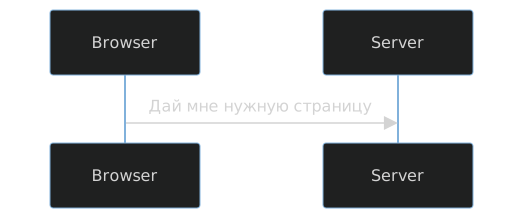
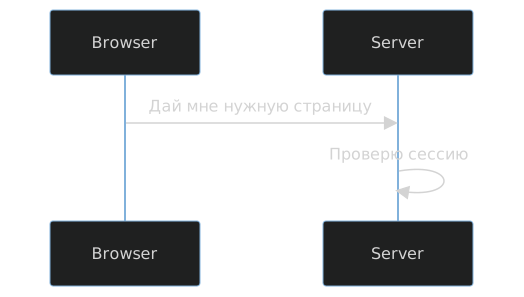
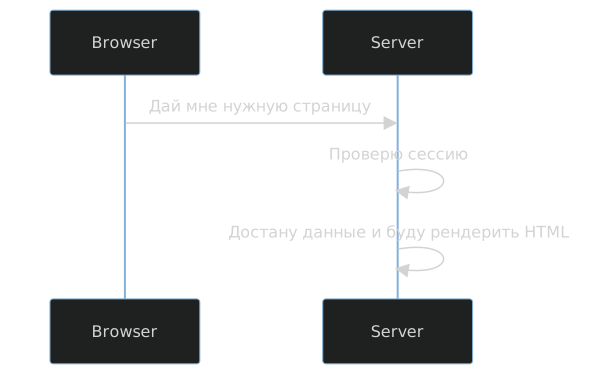
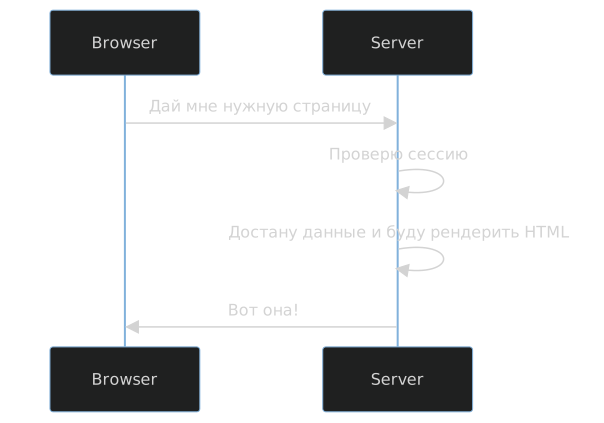
Халява с hx-boost
<div hx-boost="true">
  <a href="/page1">Go To Page 1</a>
  <a href="/page2">Go To Page 2</a>
</div>
<form hx-boost="true" action="/example" method="post">
    <input name="email" type="email">
    <button>Submit</button>
</form>
Ajax или hx-{get,post,put,delete}
<div hx-get="/example">Get Some HTML</div>
<div hx-get="/clicked" hx-trigger="click[ctrlKey]">
    Control Click Me
</div>
<div hx-get="/news" hx-trigger="every 2s"></div>
Lazy loading
<div hx-get="/graph" hx-trigger="load">
  <img  alt="Result loading..." class="htmx-indicator" width="150" src="/img/bars.svg"/>
</div>
.htmx-settling img {
  opacity: 0;
}
img {
 transition: opacity 300ms ease-in;
}
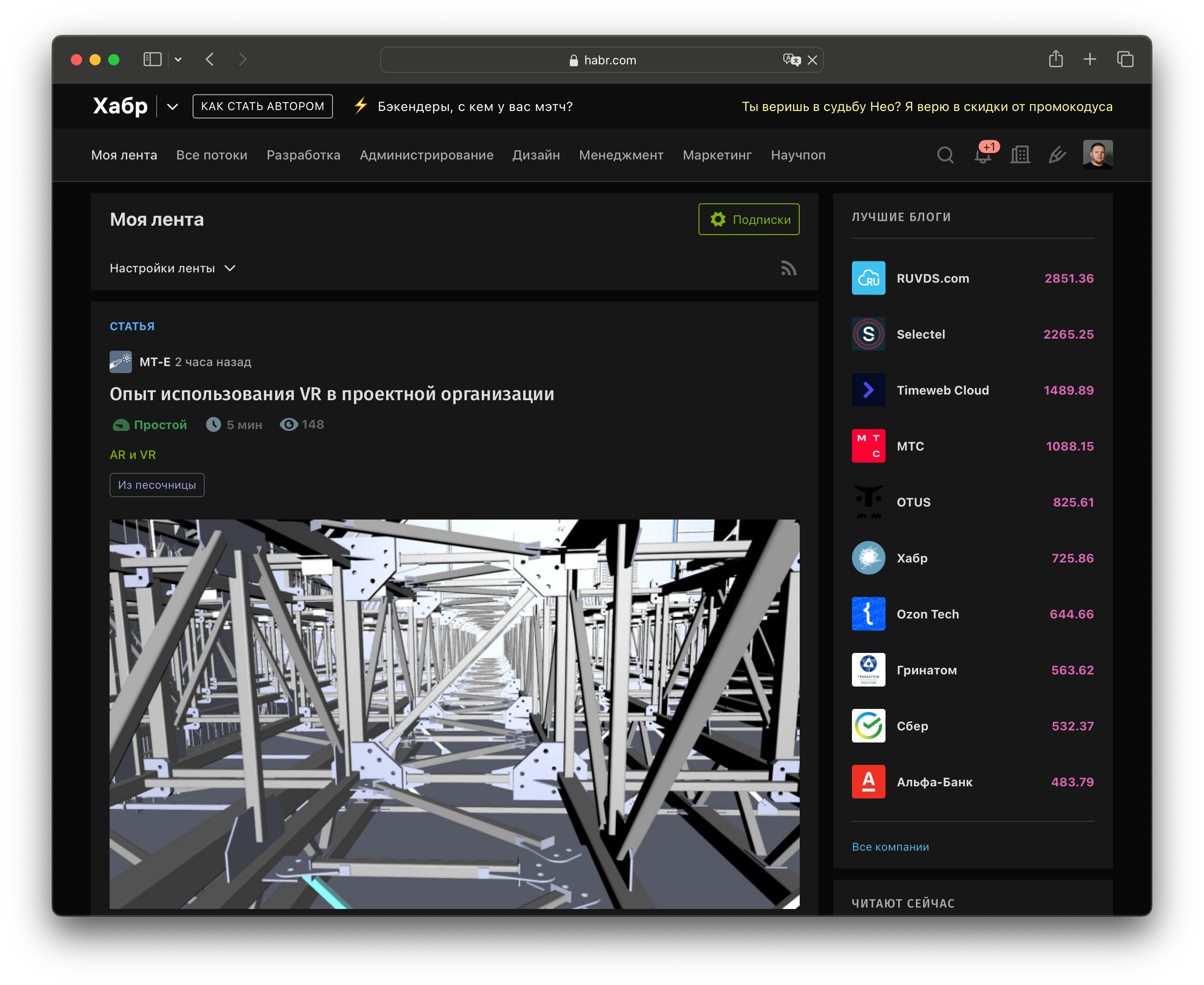
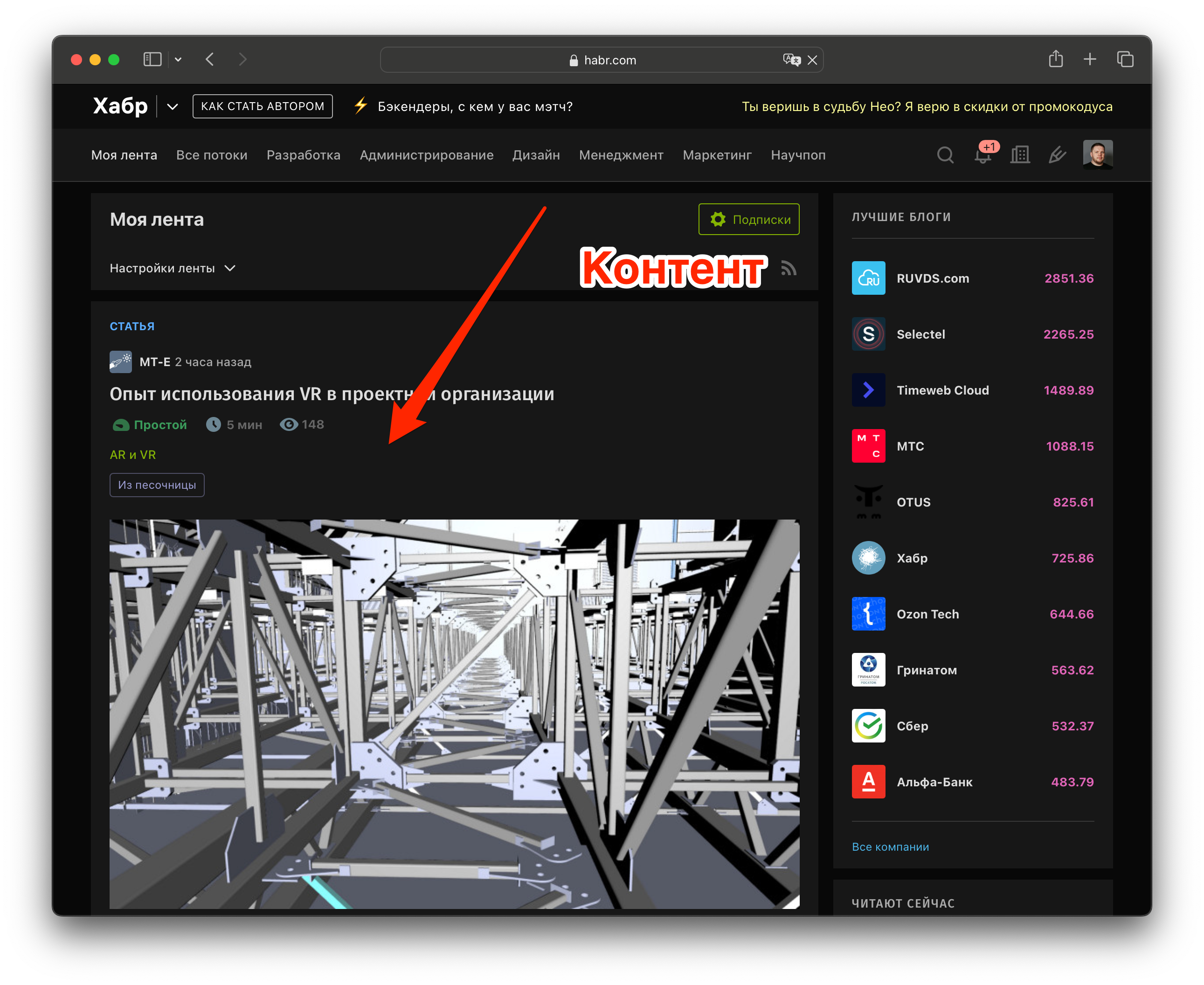
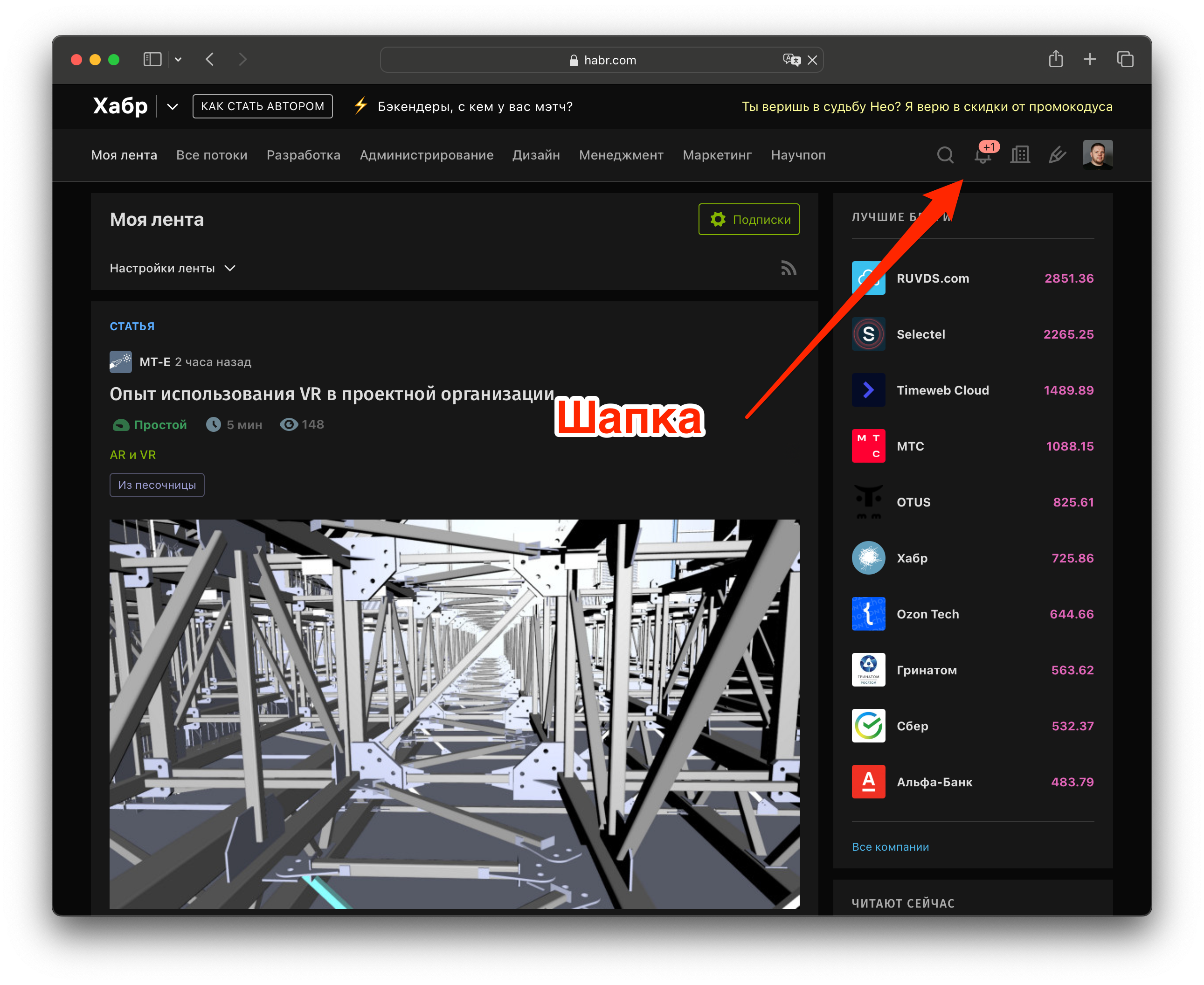
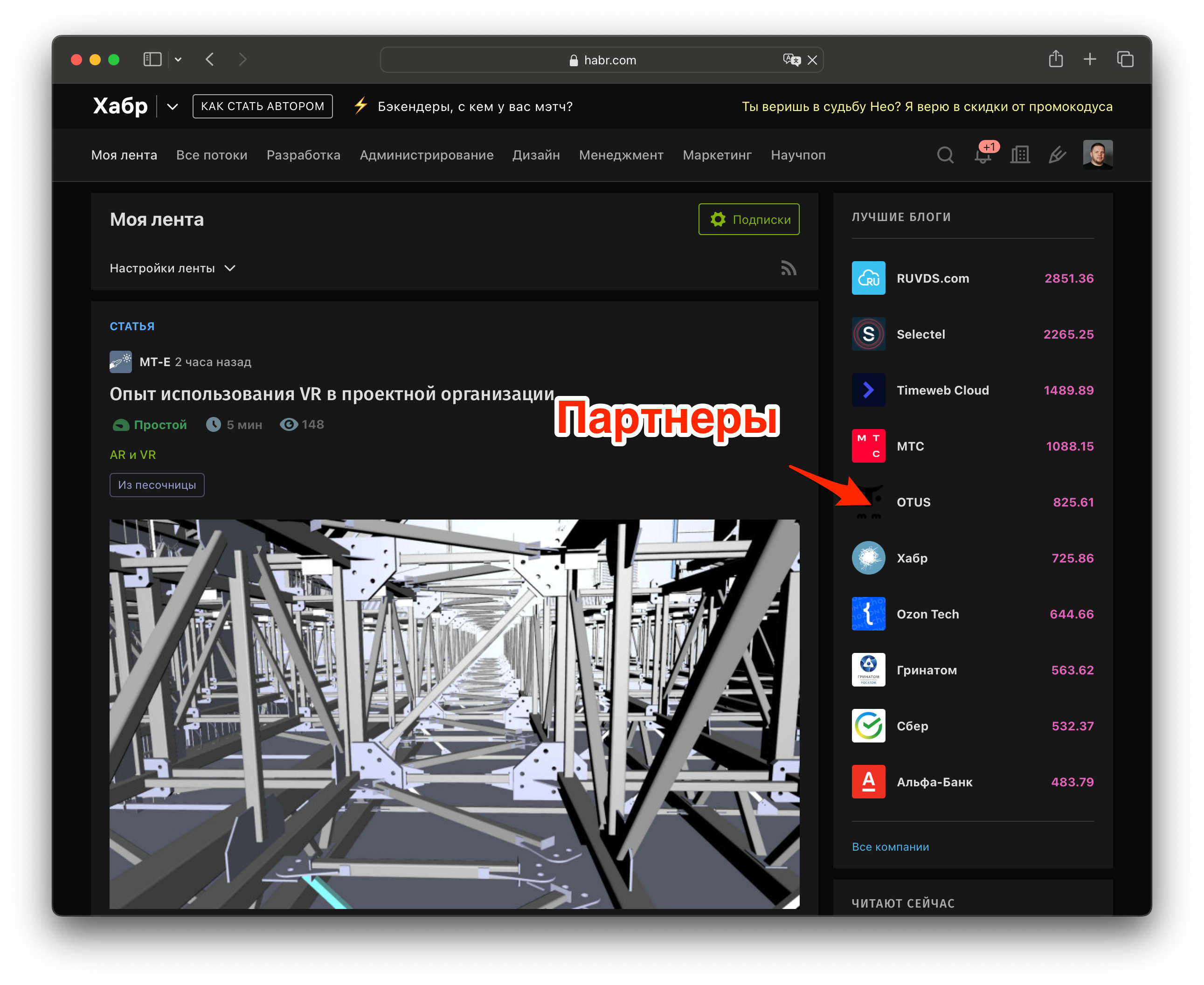
Схема загрузки
<header hx-get="/header" hx-trigger="load">
  Здесь будет шапка...
</header>

<main>
  <section>Content...</section>
  <aside hx-get="/companies"
         hx-trigger="load">
  Здесь будут компании...
  </aside>
</main>
Фильтрация списка
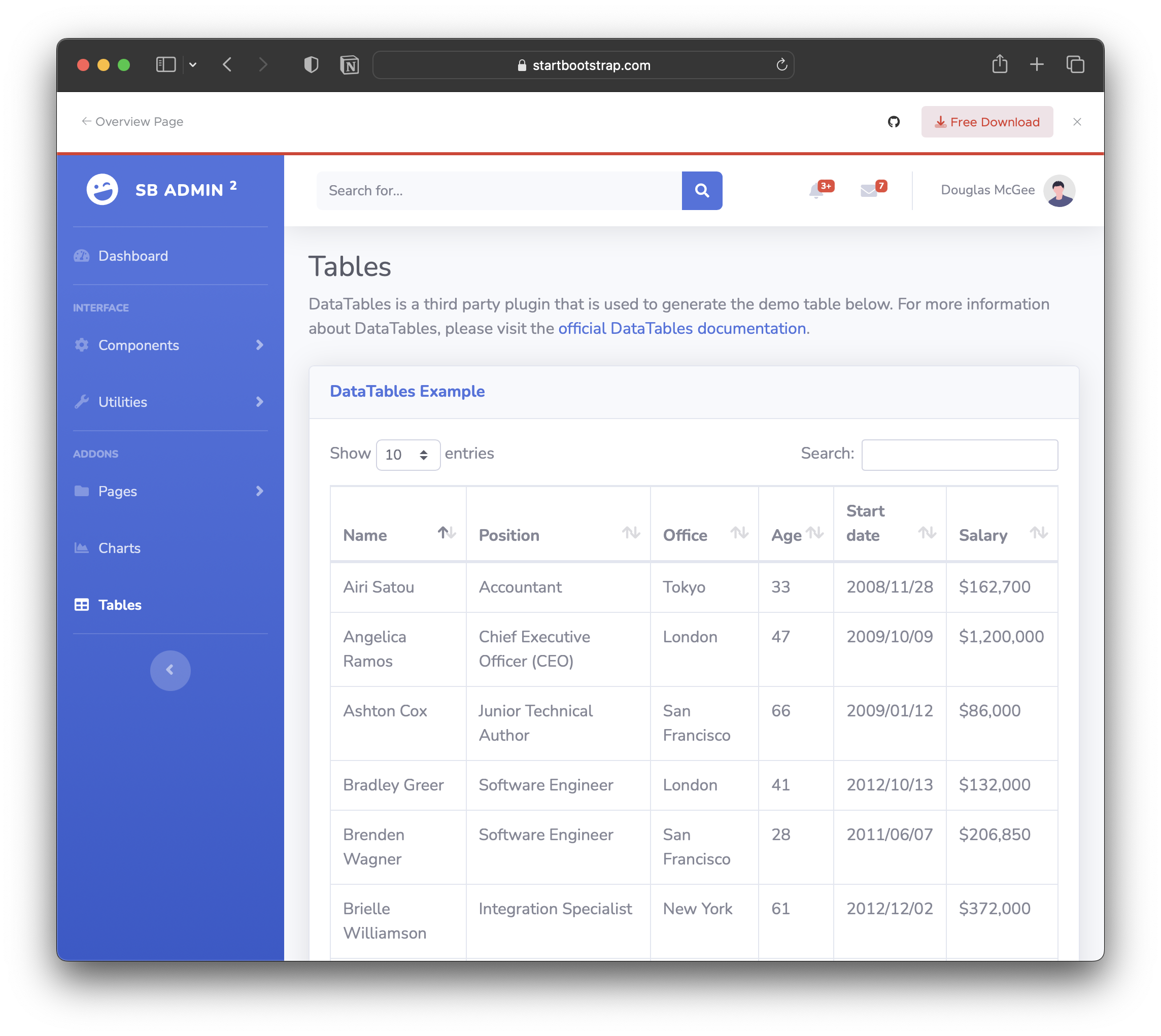
Фильтрация списка
<input id="search"
       type="search"
       name="q"
       value="{{ request.args.get('q') or '' }}"
       hx-get="/contacts"
       hx-trigger="change, keyup delay:200ms changed"
       hx-target="tbody"
       hx-push-url="true"/>
Кусок кода на Express
app.ws("/ws", (ws) => {
  let counter = 0;
  setInterval(() => {
    const result = `<div
            hx-swap-oob="afterbegin:#content">
            <button
            class="btn btn-primary"
            data-bs-toggle="modal"
            data-bs-target="#exampleModal">
              ${counter}
            </button></div>`;
    ws.send(result);
    counter++;
  }, 1000);
});
<div id="content" hx-ws="connect:/ws"></div>
Анимация
<style>
.fade-me-out.htmx-swapping {
  opacity: 0;
  transition: opacity 1s ease-out;
}
</style>

<button class="fade-me-out"
        hx-delete="/fade_out_demo"
        hx-swap="outerHTML swap:1s">
        Fade Me Out
</button>
HTMX — не вундервафля
Недостатки
- Для Fullstack
- Не для большой команды
- Нет API
- Http Attributes Hell
Достоинства
- Для Fullstack
- Не для большой команды
- Супербыстро
- Декларативно
- Нет сборки и мало JS
Спасибо!
 Слайды
|
 @budlatbokr
|